
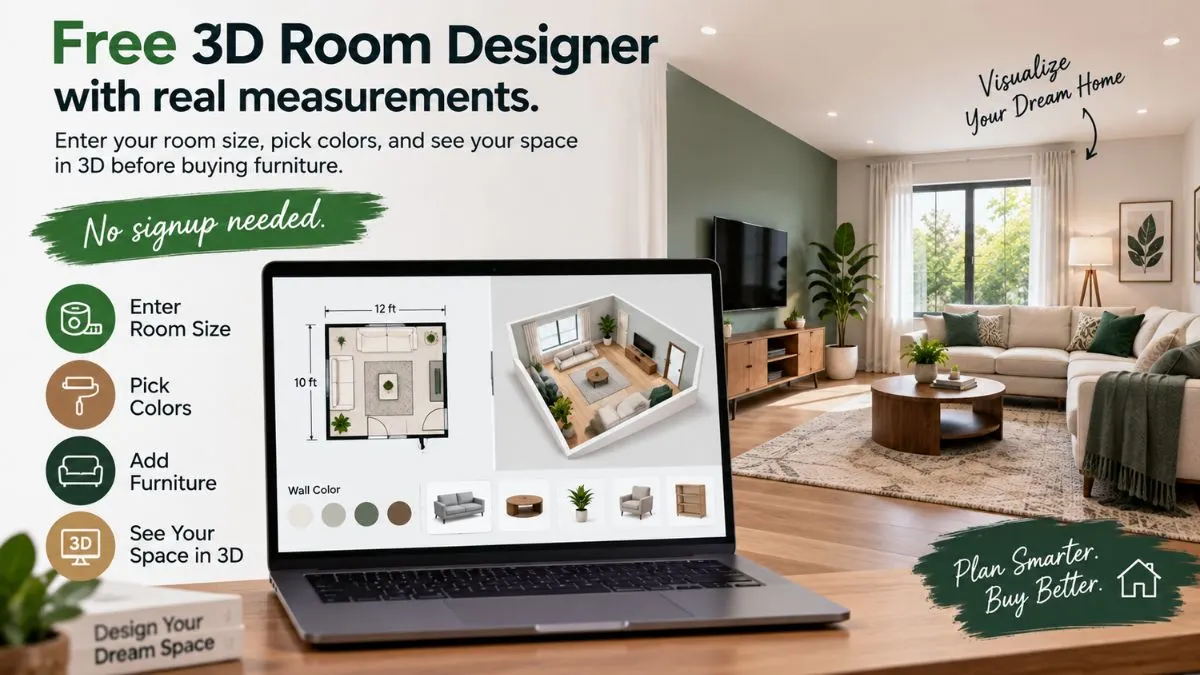
Designing a room used to mean one of two things: hiring an expensive interior designer, or buying furniture and hoping it fits.
Both options are frustrating. One costs thousands of rupees. The other leads to returns, delivery fees, and regret.
There’s a better way. With a 3D room designer, you can see your space in real size before spending a single rupee. Enter your measurements, pick your colors, and watch your room come to life on screen.
In this guide, I’ll show you exactly how to use our free 3D Room Designer tool — and why it’s become the most-used feature on MyDecorIdeas.
What Is a 3D Room Designer?
A 3D room designer is an online tool that turns your room’s measurements into a three-dimensional model. Instead of imagining how furniture will look, you see it — in real proportion, from any angle.
Professional interior designers have used 3D software for decades. But those tools cost hundreds of dollars and require weeks of training. Modern browser-based tools have changed that. Today, anyone with a phone or laptop can design a room in 3D within minutes.
Our 3D Room Designer works entirely in your browser. There’s nothing to download, no account to create, and no cost. You enter your room’s dimensions, and the tool builds a real-scale 3D model instantly.
🏠 Try the Free 3D Room Designer
Enter your room size and see it live in 3D — no signup, 100% free.
Why Use a 3D Room Designer Before Buying Furniture
Furniture is expensive. A single wrong purchase can cost ₹20,000 to ₹1,50,000 in returns, delivery fees, and lost time. A 3D room designer eliminates that risk in three ways:
1. See the Real Proportions
A sofa that looks small in a showroom can overwhelm a 12-foot living room. A 3D model shows you the truth instantly. You see whether the piece actually fits the space — not whether it fits the showroom floor.
2. Test Colors Before Painting
Paint swatches lie. A color that looks warm on a small sample can look cold and washed out on an entire wall. The 3D tool lets you apply colors to a full-size wall and see them in day, evening, and night lighting.
3. Plan the Layout Without Moving Anything
Rearranging furniture in real life takes hours and usually ends with a sore back. In 3D, it takes seconds. You can test ten different layouts before committing to one.
4. Avoid Costly Returns
According to furniture industry data, nearly 42% of returns happen because the item didn’t fit the customer’s space. A 3D preview reduces that risk to nearly zero.
Read Also: Wall Decor for Childrens Bedrooms: 7 Fun & Safe Ideas They’ll Love
How the MyDecorIdeas 3D Room Designer Works
The tool is built around one simple idea: your measurements are the foundation. Everything else adapts to them.
Step 1: Enter Your Room Measurements
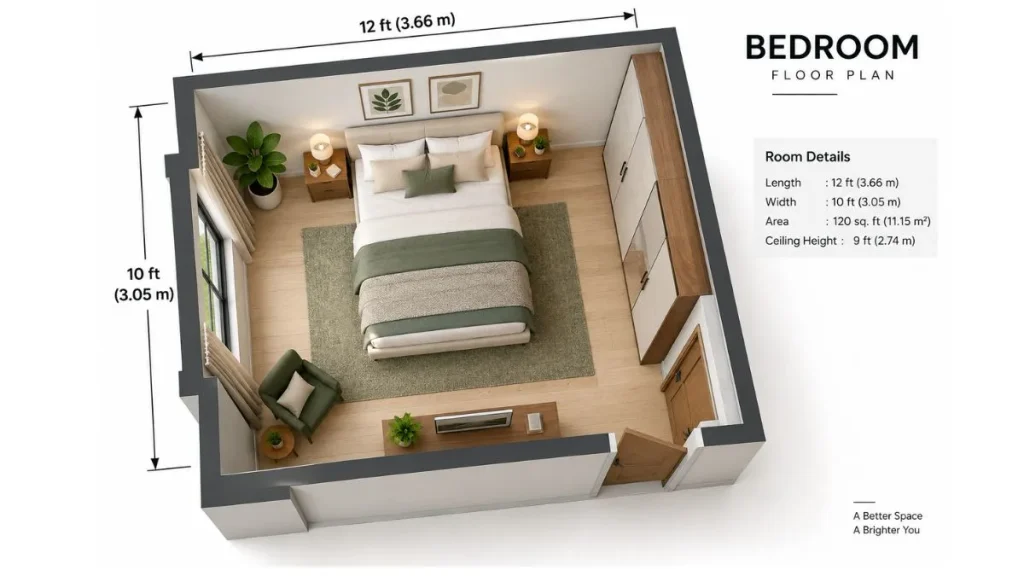
Measure your room’s length, width, and ceiling height. You can toggle between feet and meters — whichever is easier for you. If you’re unsure of your measurements, our guide on how to measure a room for furniture walks you through it step by step.
For speed, the tool includes four quick presets:
- Small Room (8×10 ft) — ideal for compact bedrooms or studies
- Bedroom (12×14 ft) — the most common bedroom size
- Living Room (15×20 ft) — standard Indian living room
- Large Space (20×30 ft) — open-plan areas and halls
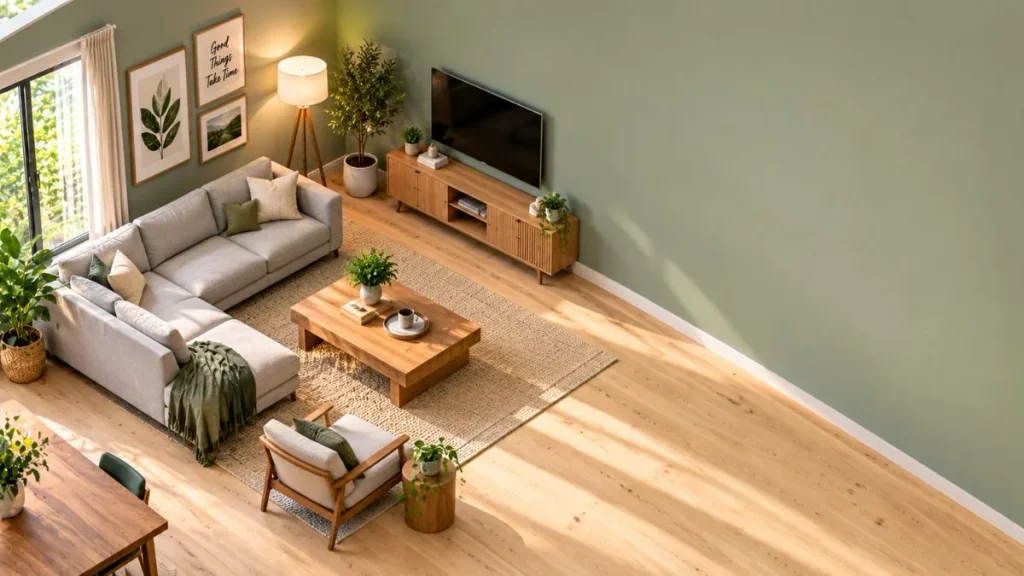
Step 2: Choose Your Wall Color
Eight curated wall colors are built in, from warm cream to deep charcoal. Each one is chosen to work with Indian light conditions — because north-facing rooms in Delhi look very different from west-facing rooms in Mumbai.
The available palette includes:
- Cream, ivory, and beige for timeless neutral spaces
- Sage green and terracotta for earthy warmth
- Navy and charcoal for bold, modern rooms
- Blush for soft, feminine bedrooms
Step 3: Pick Your Floor Style
Flooring changes the entire mood of a room. The tool offers four options:
- Light Wood — brightens small spaces, works with Scandinavian and modern decor
- Dark Wood — adds warmth and depth, ideal for traditional and rustic styles
- White Tile — clean and reflective, perfect for bathrooms and kitchens
- Concrete — industrial edge for loft apartments and modern homes
Step 4: Adjust the Lighting
This is where the tool becomes truly useful. You can preview your room in three lighting conditions:
- Day — bright, natural sunlight
- Evening — warm, golden-hour glow
- Night — lamp-lit cozy atmosphere
Most design tools ignore lighting. But lighting is the single biggest factor in how a room feels. A white wall that looks warm and inviting at noon can look cold and clinical at night.
Step 5: Rotate and Explore in 3D
Drag anywhere on the screen to rotate the room 360 degrees. Scroll to zoom in on details. The tool renders everything in real-time, so changes appear instantly.
What the Tool Tells You About Your Room
As you adjust measurements, the tool displays live information:
Room Area
The total square footage or square meters appears instantly. This helps you understand what furniture will realistically fit.
Furniture Fit Recommendation
Based on your room size, the tool suggests what furniture works best:
- Under 100 sq ft — twin bed, small desk, single chair
- 100–200 sq ft — queen bed, two nightstands, dresser
- 200–400 sq ft — king bed, sofa, dining table, wardrobe
- 400+ sq ft — open-plan with multiple zones
This feature alone has saved our readers thousands of rupees in wrong purchases.
Who Should Use This Tool
The 3D Room Designer is built for anyone planning a space:
- Homeowners planning a renovation or new build
- Renters figuring out what fits in a new apartment
- Interior design students learning spatial planning
- DIY decorators testing ideas before committing
- Real estate agents showing clients potential layouts
If you’re about to spend money on furniture, paint, or flooring — this tool should be your first step.
Frequently Asked Questions
Is the 3D Room Designer free?
Yes. The tool is completely free to use, with no signup, no download, and no hidden charges. It runs entirely in your browser.
Do I need to install any software?
No. The tool works on any modern browser — Chrome, Safari, Firefox, or Edge — on both desktop and mobile.
How accurate are the measurements?
The 3D model uses your exact input measurements. If you enter 14 feet, the model is 14 feet. Accuracy depends entirely on how carefully you measure your room. For best results, follow our guide on how to measure a room for furniture.
Can I save my design?
You can take a screenshot of your design to save it. We’re working on a save-and-share feature that will let you store designs and send them to family or contractors.
Does it work for odd-shaped rooms?
The current version is optimized for rectangular rooms, which cover the majority of Indian homes. For L-shaped rooms, measure the longest length and widest width for a good approximation.
Can I use it on my phone?
Yes. The tool is fully responsive and works on phones and tablets. The touch controls let you rotate and zoom with your fingers.
Is my data private?
Yes. The tool runs entirely in your browser. We don’t store your measurements, and no data is sent to our servers.
Why We Built This Tool
At MyDecorIdeas, we noticed a pattern in reader emails. People would buy furniture, realize it didn’t fit, and ask us for advice on returns. The problem wasn’t their choices — it was the lack of a way to preview.
Professional 3D tools existed, but they were expensive and complicated. We built ours to be simple, free, and accessible to anyone. Since launch, it’s been used by thousands of readers across India to plan bedrooms, living rooms, home offices, and more.
The tool is continuously updated based on reader feedback. If you have a suggestion, we’d love to hear from you.
Start Designing Your Room Today
You don’t need to hire a designer or guess. You need a clear picture of your space, in real proportions, before you spend money.
Enter your measurements, pick your colors, and see your room come alive in 3D. It takes less than five minutes — and it could save you thousands.
Have a question about using the 3D Room Designer? Drop it in the comments below — I read and reply to every one.